Work HM Design System & HM Make
Designing the system behind AI-generated experiences.
- Role
- UX Lead → Design Engineer
- Span
- Since 2021
- Components in code
- 51, rebuilt 1:1
- Compliance
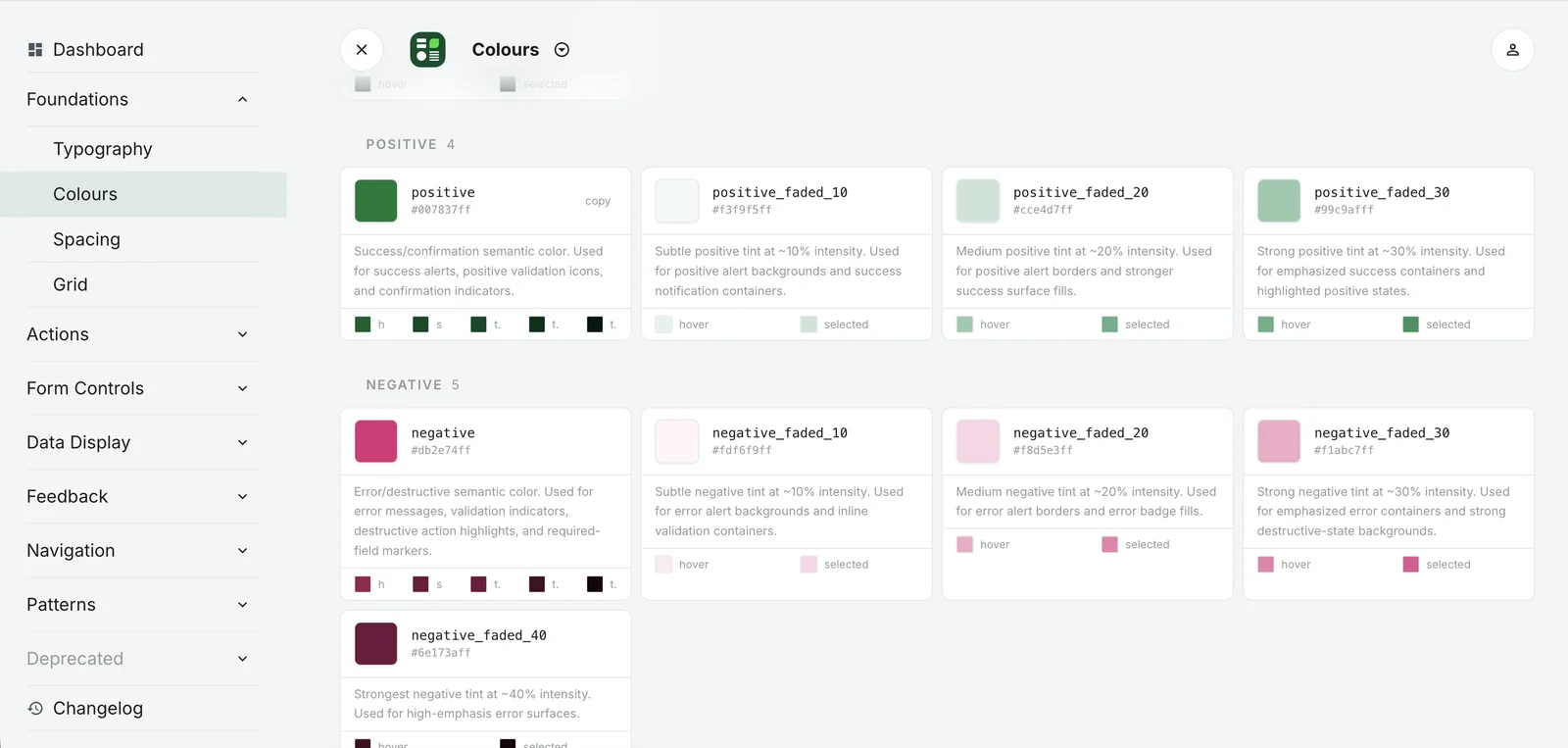
- 34% → 91%
- Used by
- HProduce, HConnect, Sustainability, Ghana Digital Hub
Context
When I joined Heidelberg Materials, there was no design system. What I found were a few scattered designs in Sketch and InVision.
This is how that turned into a shared design system, a component library in code, a rule set an AI can work with, and finally HM Make: a platform where employees build prototypes from the design system and company data. Each step made the next one possible.
- Sketch & InVision
- Figma
- Design system
- Components in code
- Design harness
- HM Make
01 · Foundation
I proposed moving the design organization to Figma. Once that happened, I supported the designers through the switch.
Then I built a design system, first on my own and later with colleagues. We set up processes, built components and held regular meetings, so that every designer used the system but also pointed out its weaknesses and gaps. Together we decided what belonged in the design system, what didn’t, and how to handle special cases.
It had two goals:
- Consistency across products, for a seamless user experience.
- Faster designers through reusable assets: 46% more productive, by our internal calculation.
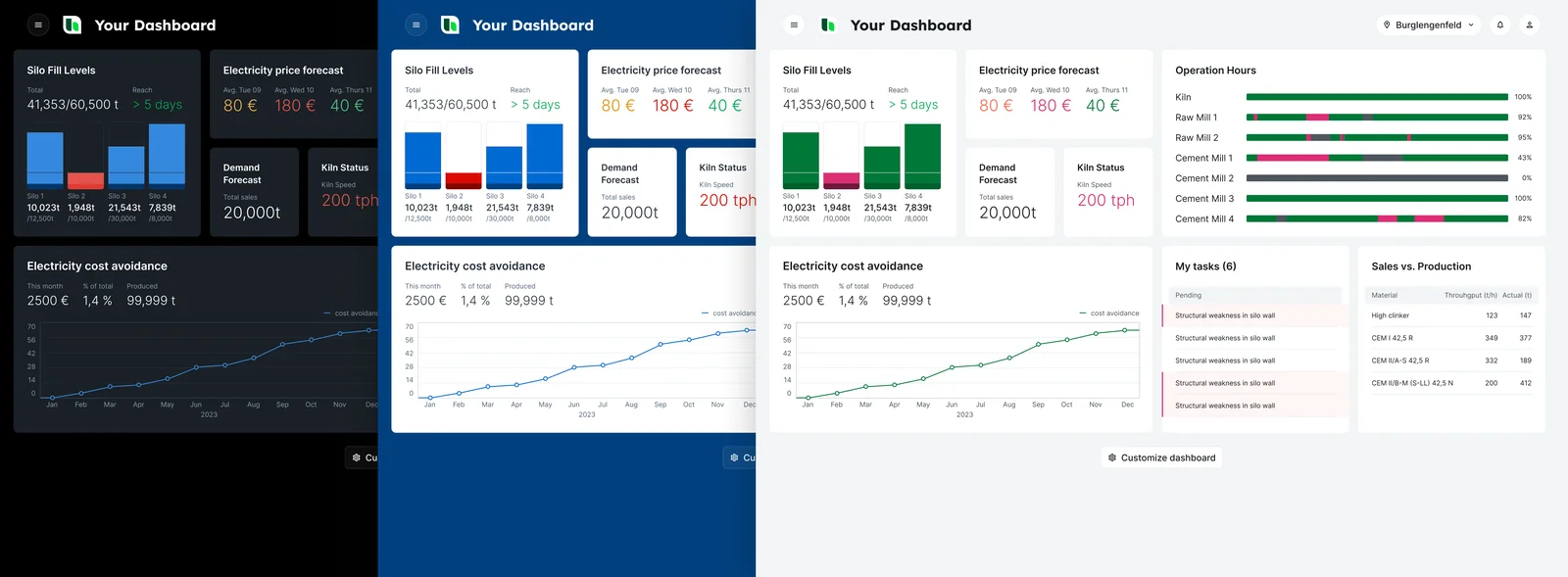
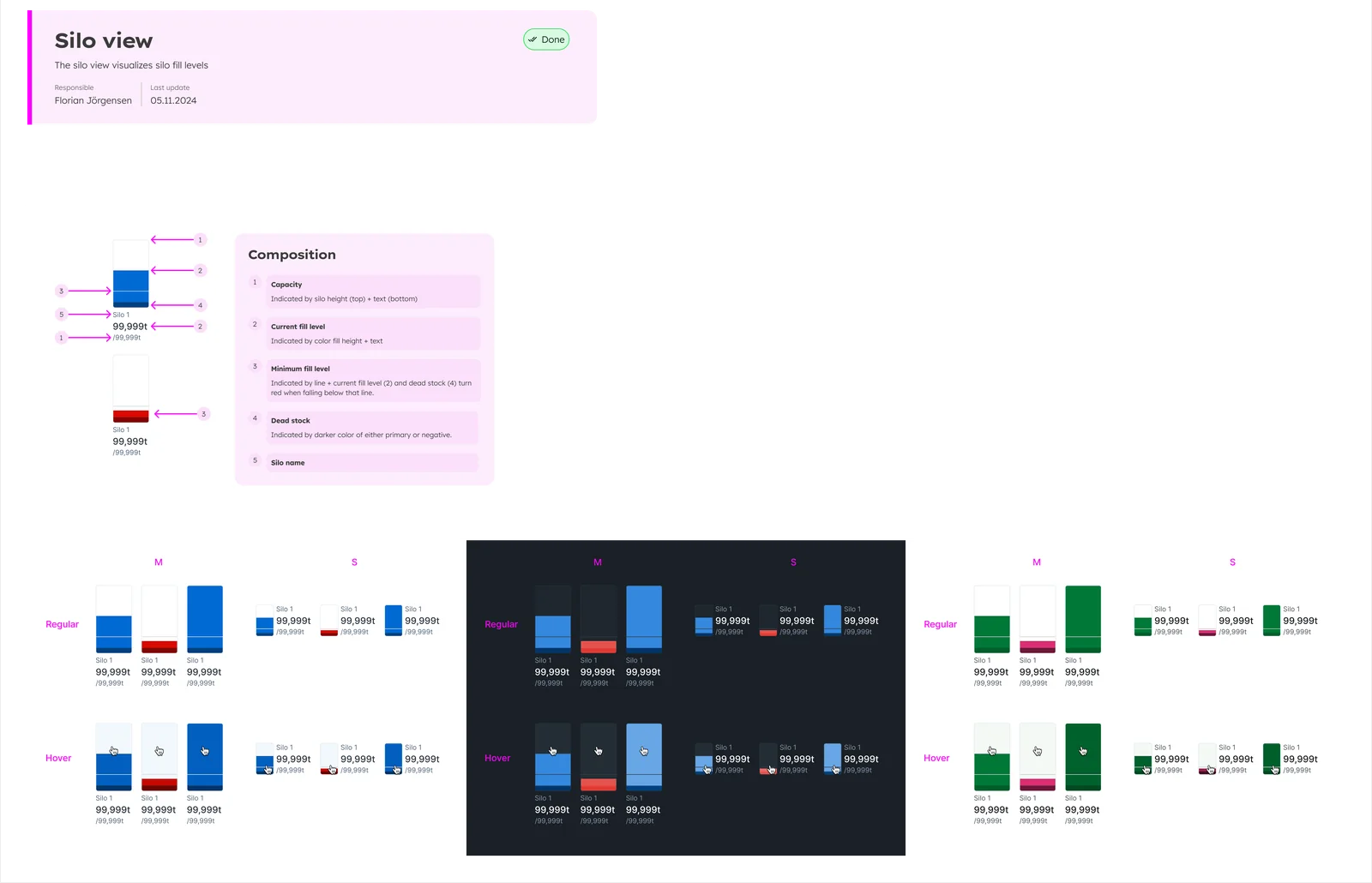
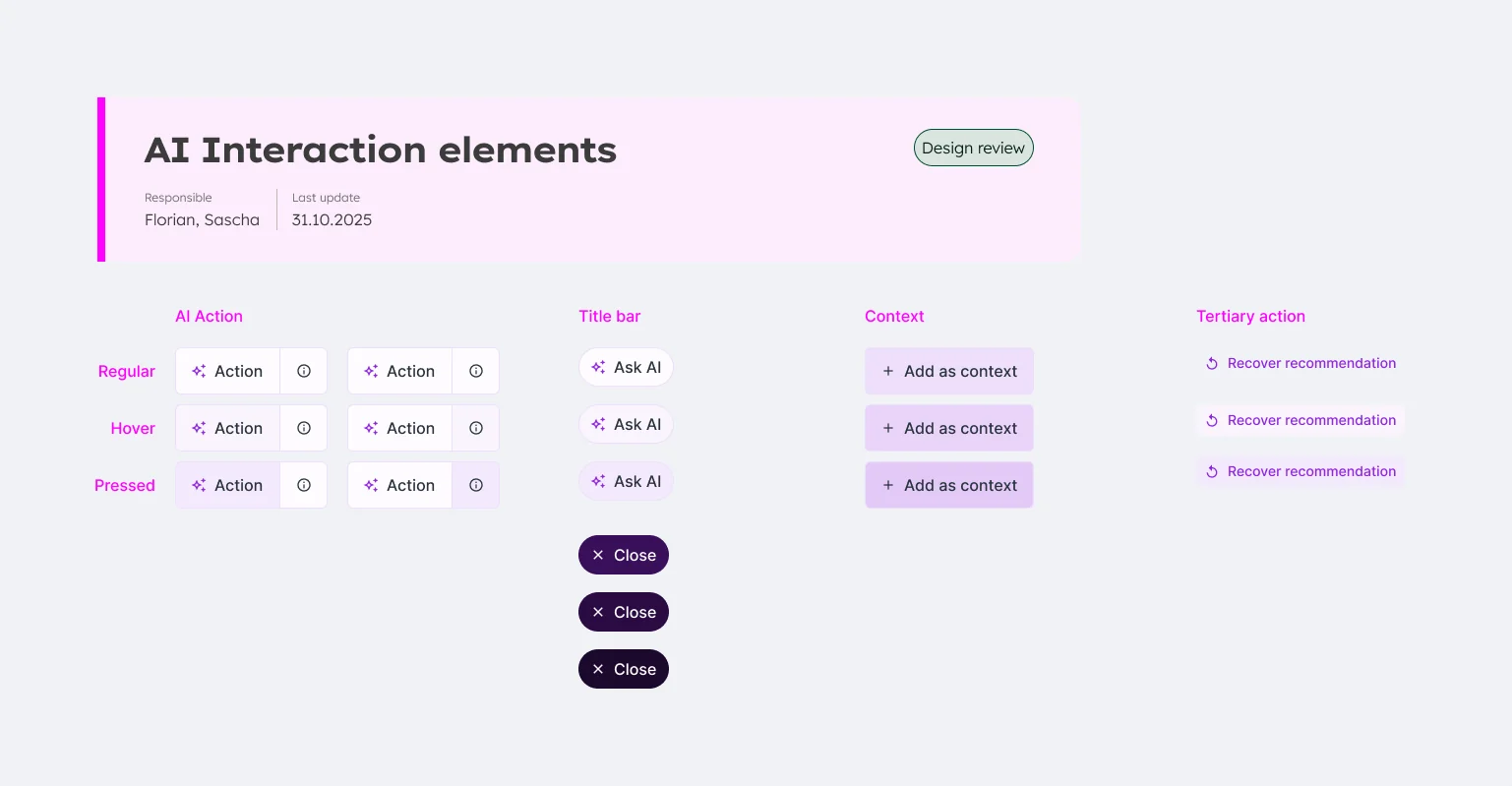
The result, the Fundamental Design System, created consistency across product families including HProduce, HConnect and Sustainability. A second version added design tokens and multi-brand support.
During Heidelberg Materials’ corporate rebranding, the system also had to translate the brand into patterns that work for productive enterprise software: information density, hierarchy, interaction and accessibility, particularly color contrast.
The guiding question was how to express the brand without making the applications worse.
02 · The gap
On the design side, this worked well for several years. But as long as AI tools weren’t mature enough for designers to build production code themselves, we depended on development to implement the system.
Development built the basic components at about 80% quality. Overall, though, components were implemented to only 50–60% of what was designed. The result was a patchwork in the implementation: the quality we designed never fully reached the user.
When we measured it, design-system compliance of the relevant component set was 34%.
The design system worked in Figma. It never fully arrived in the product.
How a component reached the product
- Design in Figma
- Handover
- Implementation
- Design review
- Changes
- Implementation
- Review
- Merge
03 · Into code, 1:1
In Q1 2026 we got the chance to change that. Another designer and I rebuilt the entire design system in code: 1:1, every single component, to the full quality standard.
We put it in a repository. Developers only had to review it and merge it into their component library. For the whole library, that took about one developer-day: 12.5 minutes of review per component on average.
Engineering estimated the new process at roughly 50% less effort and 70% less flow time per component. And the responsibility model changed: UX creates and maintains the design intent; Engineering validates the implementation.
How a component reaches the product now
- Designer builds the component in code
- Merge request
- Engineering reviews
- Merge
- Design-system compliance
- 91%
- Up from 34%, above the project’s 90% target.
- Components in code
- 51
- Every component, rebuilt 1:1.
- Effort per component
- −50%
- Flow time per component
- −70%
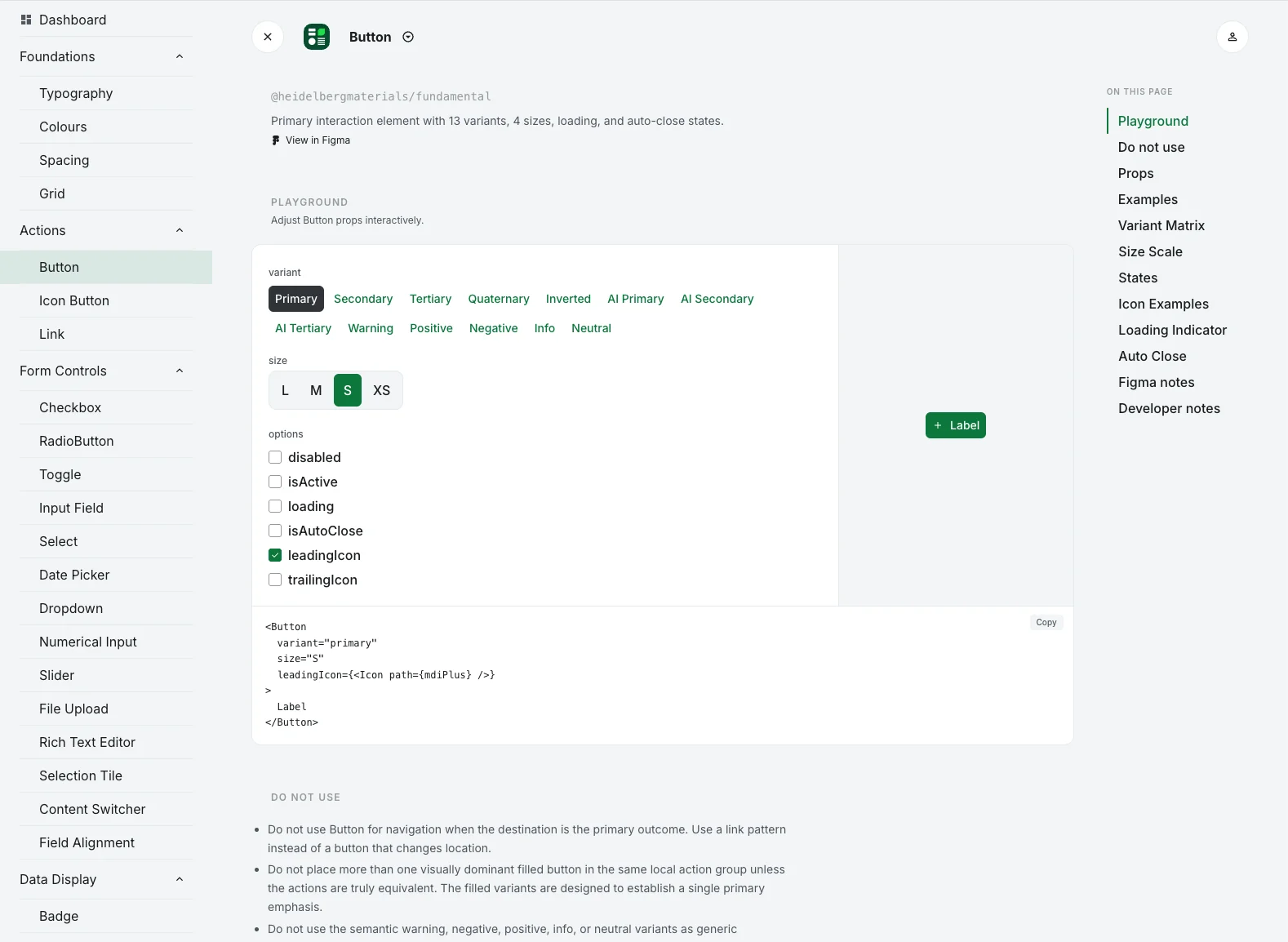
Years of patchwork, removed in one project.
04 · A design harness for AI
The same component base could now be used to build AI prototypes. But an agent needs more than components. It needs to know what a component is for, when to use it and when not, how to build it in, and which component works best in which case.
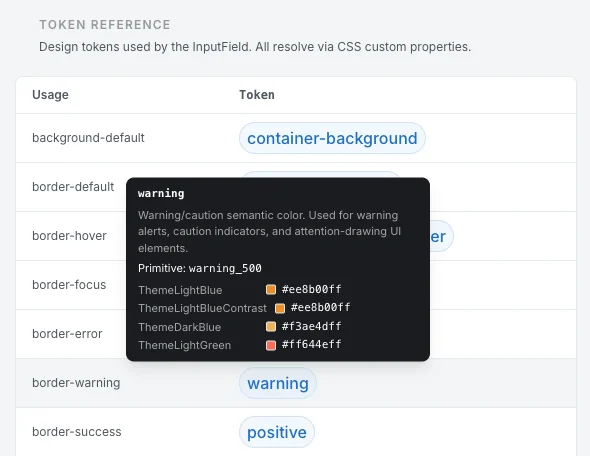
So, in the same quarter, we set out to make our design knowledge machine-readable. We built a design harness around the components: a rule set with component metadata covering purpose, selection guidance, anatomy, accessibility, examples and best practices, plus catalogs for UX patterns, usability heuristics and design tokens.
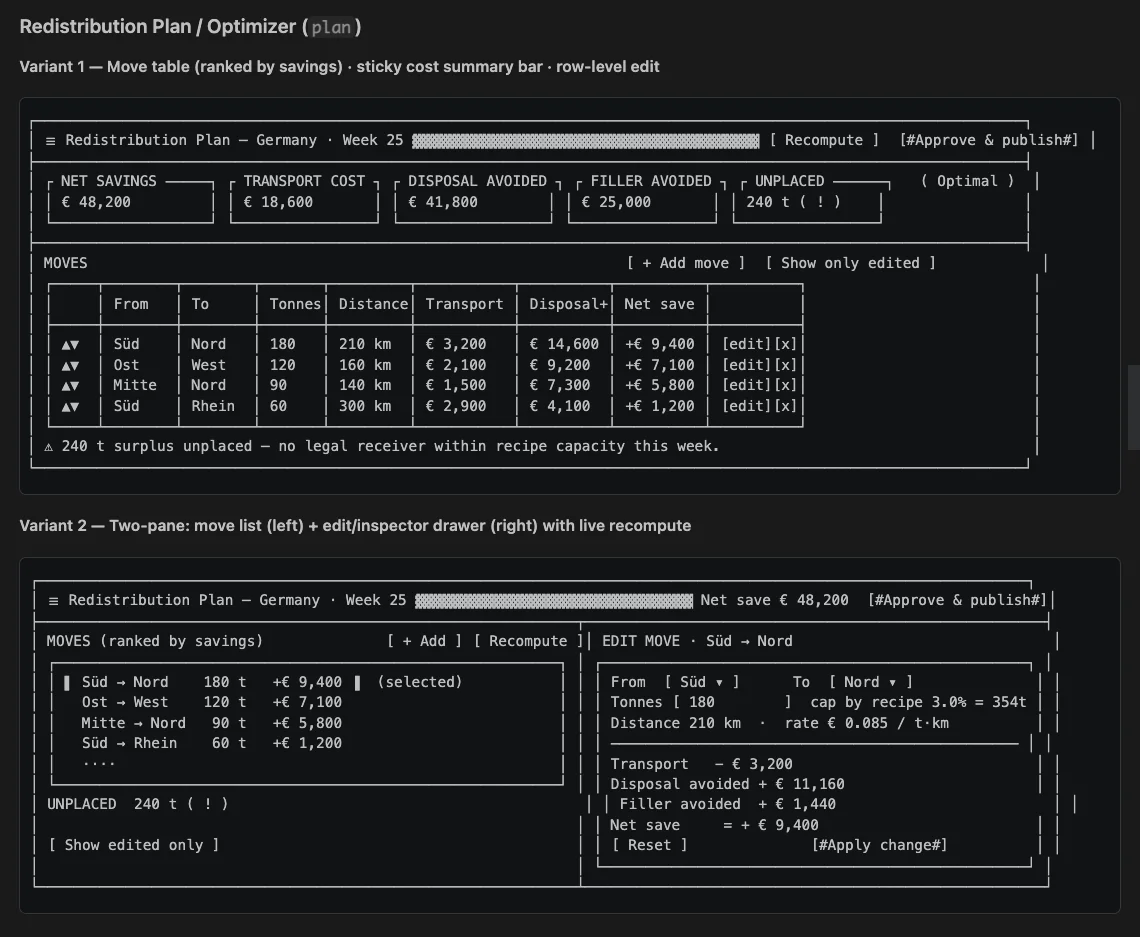
On top of it we built agents that compose an interface from the components and the rules, refined over 15 iterations.
- UX patterns
- 17
- Usability heuristics
- 32
- Reusable agent skills
- 4
- Discovery, solution design, compliance checking and iteration.
"component": {
  "name": "Button",
  "figmaNodeId": "1642:19910",
  "description": "13 variants · 4 sizes ·
      icons · loading · toggled…",
  "codeFilePath": "src/…/Button.tsx"
},
"anatomy": [
  { "element": "Container", "prop": null },
  { "element": "Leading Icon", "prop": "leadingIcon" },
  { "element": "Label", "prop": "children" },
  { "element": "Loader", "type": "derived" }
]- component-catalog.json
- name · purpose · selectionGuidance // scanned when choosing
- component-meta.json
- doNotUse · structure · accessibility · examples // when building
- component-description.md
- deviations · constraints · changeLog // when rebuilding
05 · HM Make
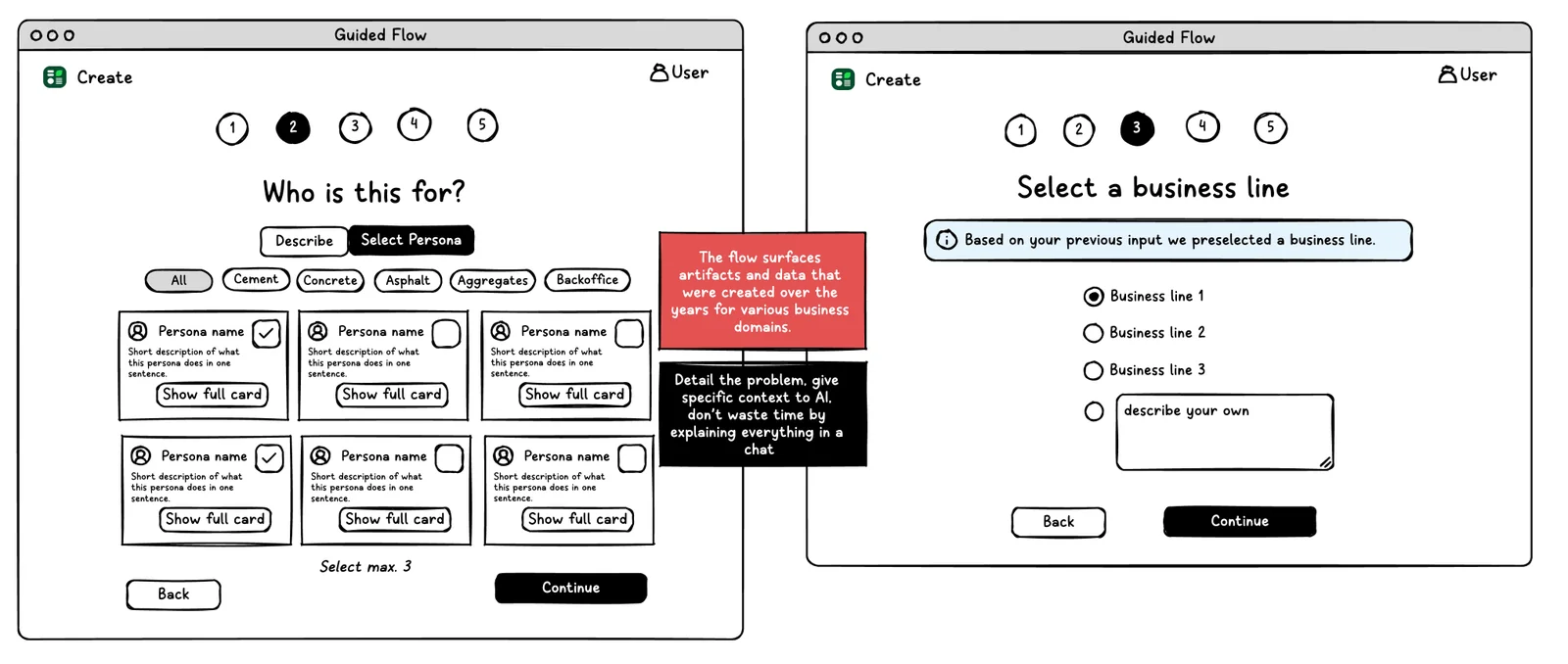
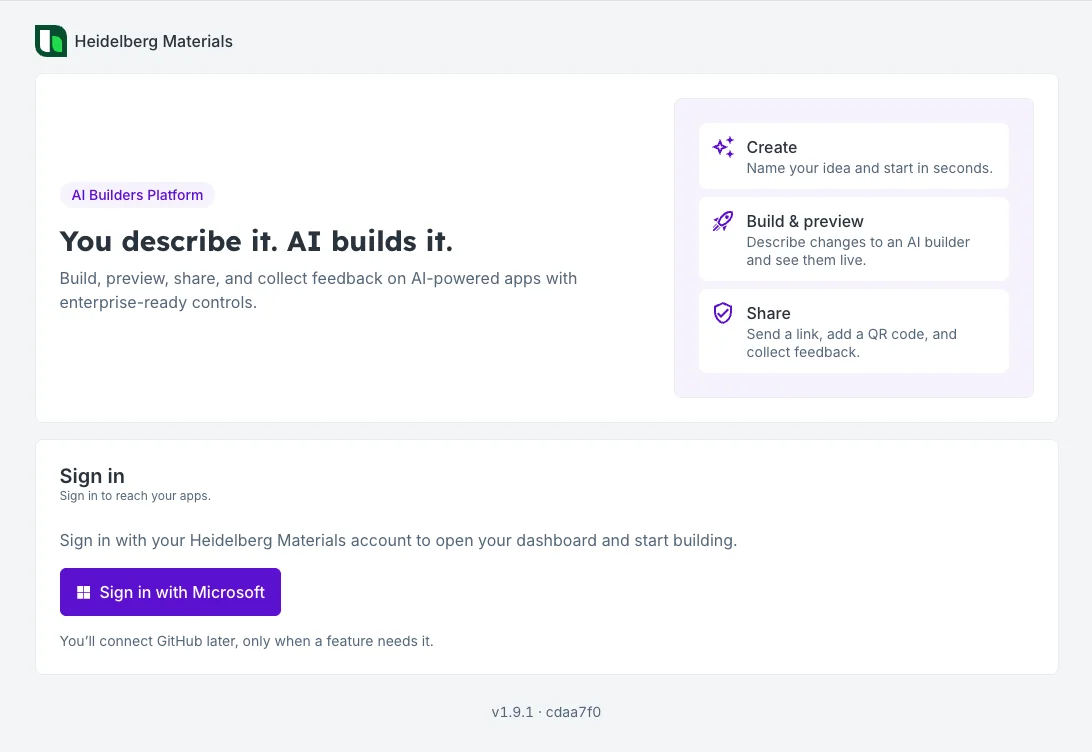
The harness is used in HM Make, a platform built by development. Besides the design system, it can tap into company-internal data, so people don’t have to upload partly security-relevant data to external tools.
We co-developed the UX of HM Make too. And parts of our work, including the four agent skills, were adopted by Software Engineering’s broader AI Builder efforts.
What this changed for me
I was once deeply interested in the components themselves. Today I’m more interested in the system around them: how the organization makes decisions, how design knowledge travels, how much duplication we can remove, and how technology can amplify good design judgement.
That changes the designer’s role: less time drawing every implementation, more time defining intent, patterns, constraints and quality. That’s leverage.
A design system is becoming infrastructure for both humans and machines to make product decisions.